


Best OSINT Browser Extensions for Chrome: A Red Team Analyst's Guide


At a certain stage in the development of OSINT analytics, there comes a moment when knowledge alone is no longer enough-neither are Start.me pages filled with tons of links, nor even Obsidian or Notion for documentation. At some point, you no longer know how else to simplify your own research, thinking you've tried every possible method, but that's not the case.
For example, your arsenal still includes extensions-whether for Chrome, Brave, Mozilla, Librewolf, and so on. Today we'll talk specifically about solutions based on Chromium, since from our review, quite a large number of OSINT analysts work with this browser (or solutions based on Chromium) in their research.
In reality, there's an incredible number of extensions on the market—too many to count—and analysts are constantly creating new ones to simplify mundane routine tasks. Today we definitely won't be able to cover them all, nor somehow touch on all areas of their possible application. We'll try to tell you about all the use cases where they significantly simplify life, but we want to emphasize this point: if you think you'll install all possible extensions for every life situation and you'll be loving it, most likely not. Either you have an ultra-powerful device you're working on, or the extensions will consume a large amount of RAM, even if you don't actively use them. So the option of installing an entire package of services doesn't work. And in any case, just like with a list of tools, there's no convenience in having a mega-huge list of these utilities, because you need to highlight exactly those that work most often, and when needed, simply understand where you can find the right list specifically for a particular need-for example, in researching a country like Guatemala.
Keeping the entire list "just in case" and cluttering the already existing one probably doesn't have that necessity-the same situation exists with extensions. In practice, we can report that a large number of extensions can consume up to 32 GB of RAM, which is, well, quite a lot. Combine this with constantly having a hundred open tabs during research and voilà, the analyst's work is clearly not accelerated but rather slowed down. I think everyone who has previously encountered system lag during an active investigative process understands how unpleasant it is and how frustrating it can be.
Of course, today's list will feature more extensions that we use most in practice. We understand that not everyone may need them as much as we do, so at the end we'll lefinitely leave links to the most popular lists from other developers, OSINT analysts, and nfluential professionals in the field.
Essential Extensions
Internet Archive
The first and most important in our opinion is the Internet Archive extension, which is, first of all, quite convenient because every time we want to check the archive, we don't need to go to their website— it's enough to press just one button and it immediately redirects us to the source, or we can simply go back to an older or newer page. Other functions like saving links and archiving them are no less important in our opinion, but we'll talk about archiving specifically later.
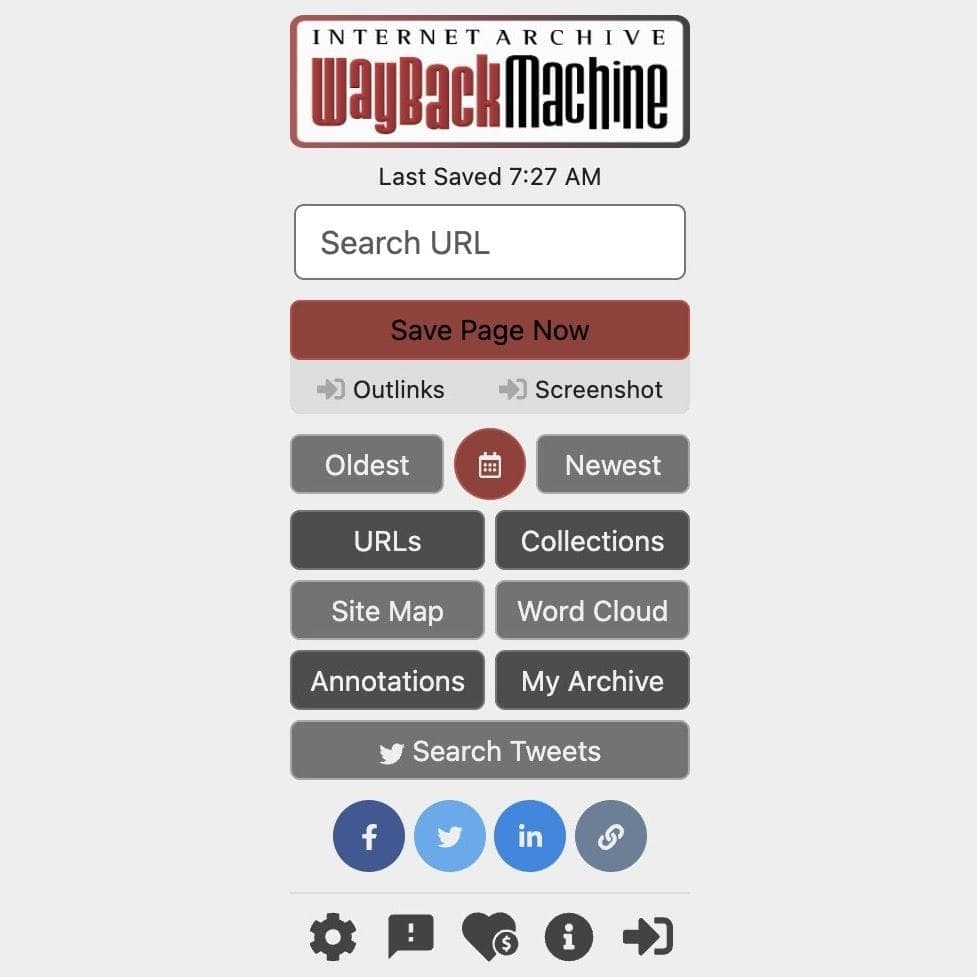
There's not much point in explaining the importance of archives as such, but if you want to understand how effective this thing is, we recommend referring to this recent article titled: 9 Ways Web Archives are Used in Digital Investigations.
Automated Archiving and Documentation
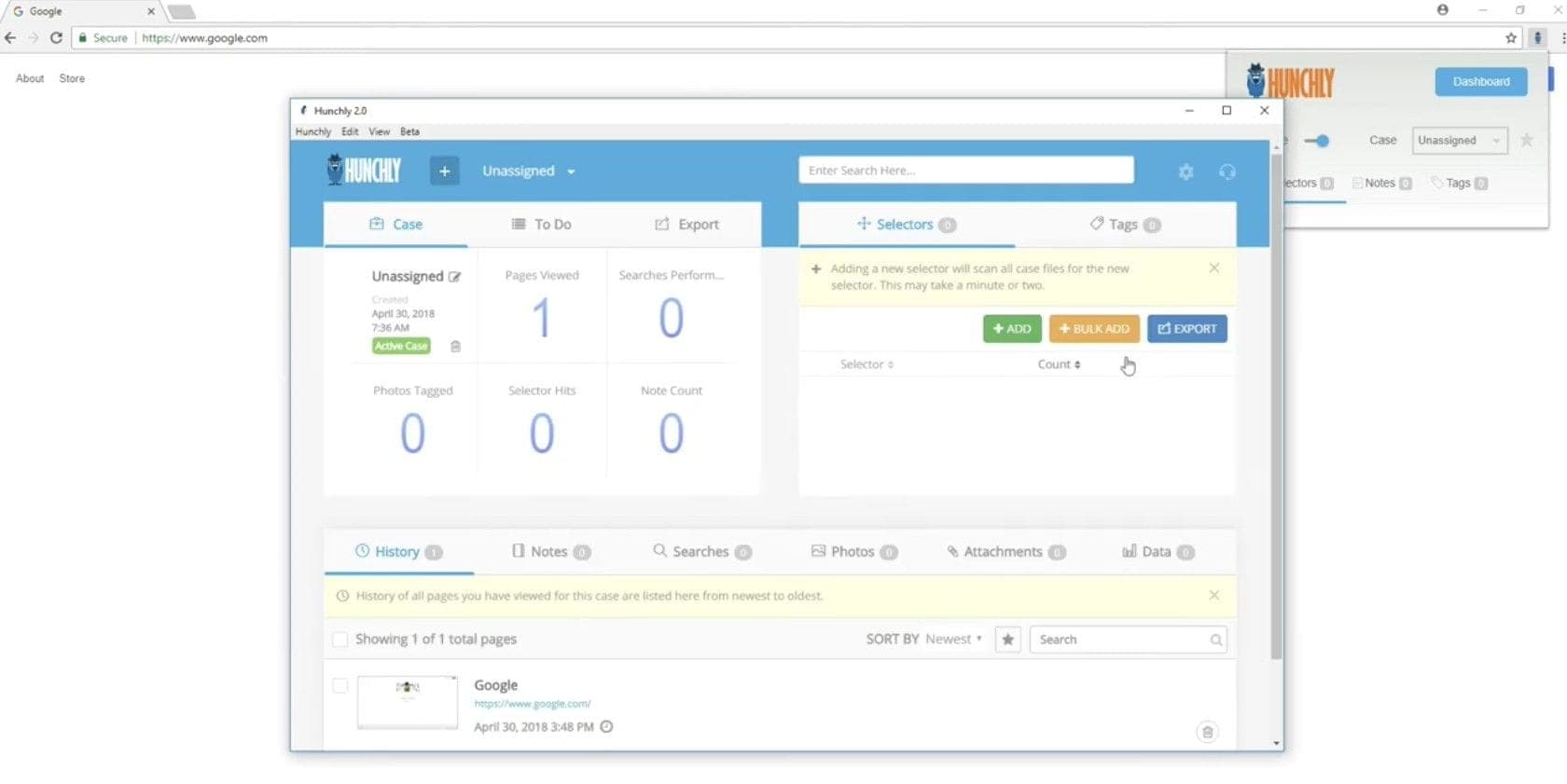
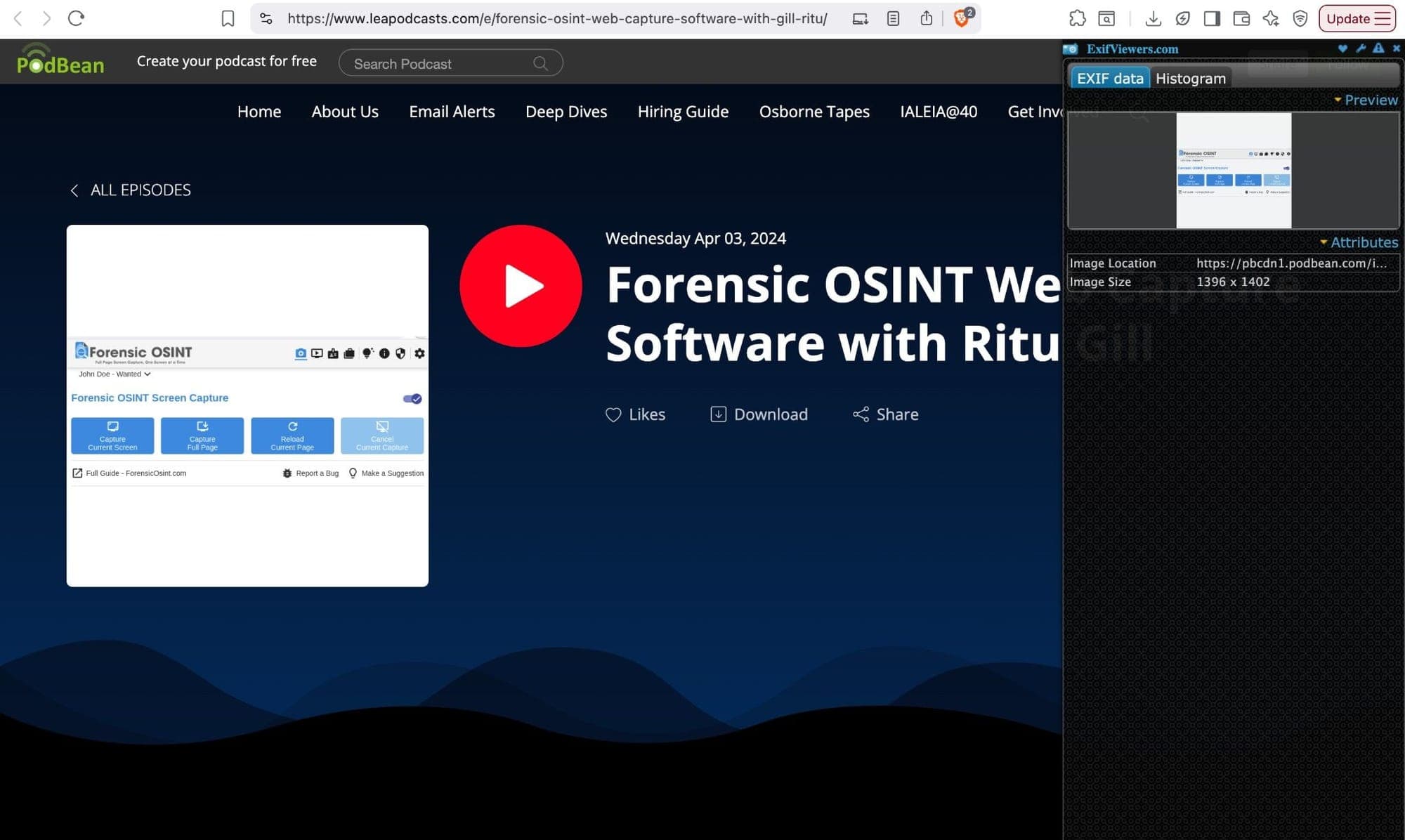
For archiving our research, an automated aggregator that constantly collects pages we find in real-time is extremely important, so even if a page disappears during our research, we'll be able to restore its appearance. Several types of extensions can help us with this: Forensic OSINT by Ritu Gill, Vortimo by Maltego developers and Ubikron's Roelof Temmingh, as well as the well-known Hunchly.
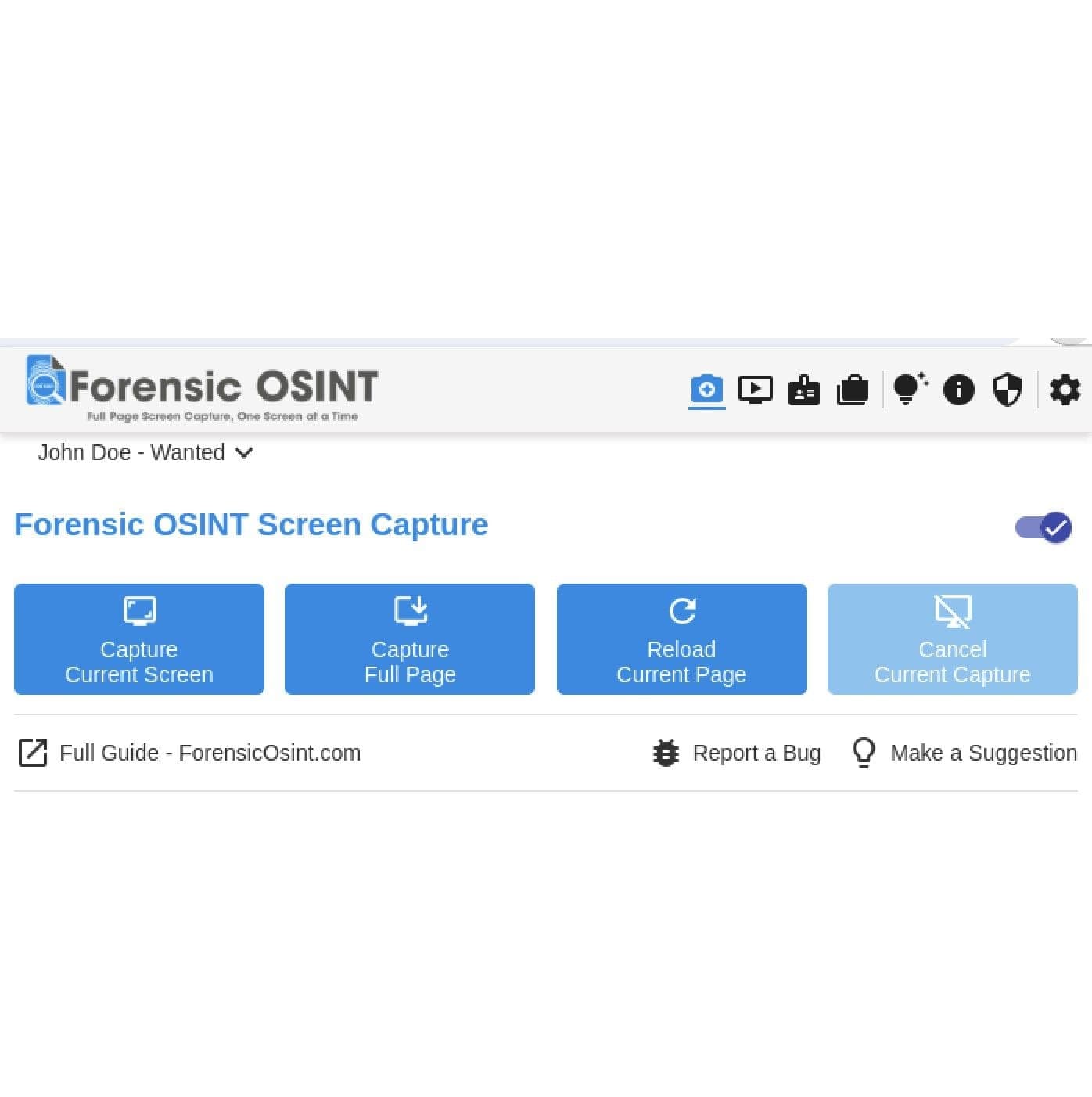
Forensic OSINT and Hunchly are primarily tools for documentation and preservation of evidence. They proceed from the assumption that you've already found important information and you need to record it so that you can later prove: what exactly you saw, when, and in what form. Forensic OSINT does this more "selectively"—you consciously choose what exactly to save (a page, video, post), with maximum focus on subsequent forensic suitability. Hunchly, on the contrary, works like an "investigation black box": it automatically logs almost everything you open within a case and builds a complete history of your work. But it costs money, which somewhat stops analysts from using this particular tool.
Vortimo is a tool for active OSINT collection and analysis during browsing. Its goal is not so much to prove something in court, but rather to help you think investigatively: extract entities (names, emails, usernames), quickly move between sources, build connections, and expand found information. Vortimo is more like an "OSINT Swiss Army knife"—manual, flexible, analytical. Ubikron goes even further in automation: it logs on its own, recognizes text (OCR), suggests, and minimizes manual work.
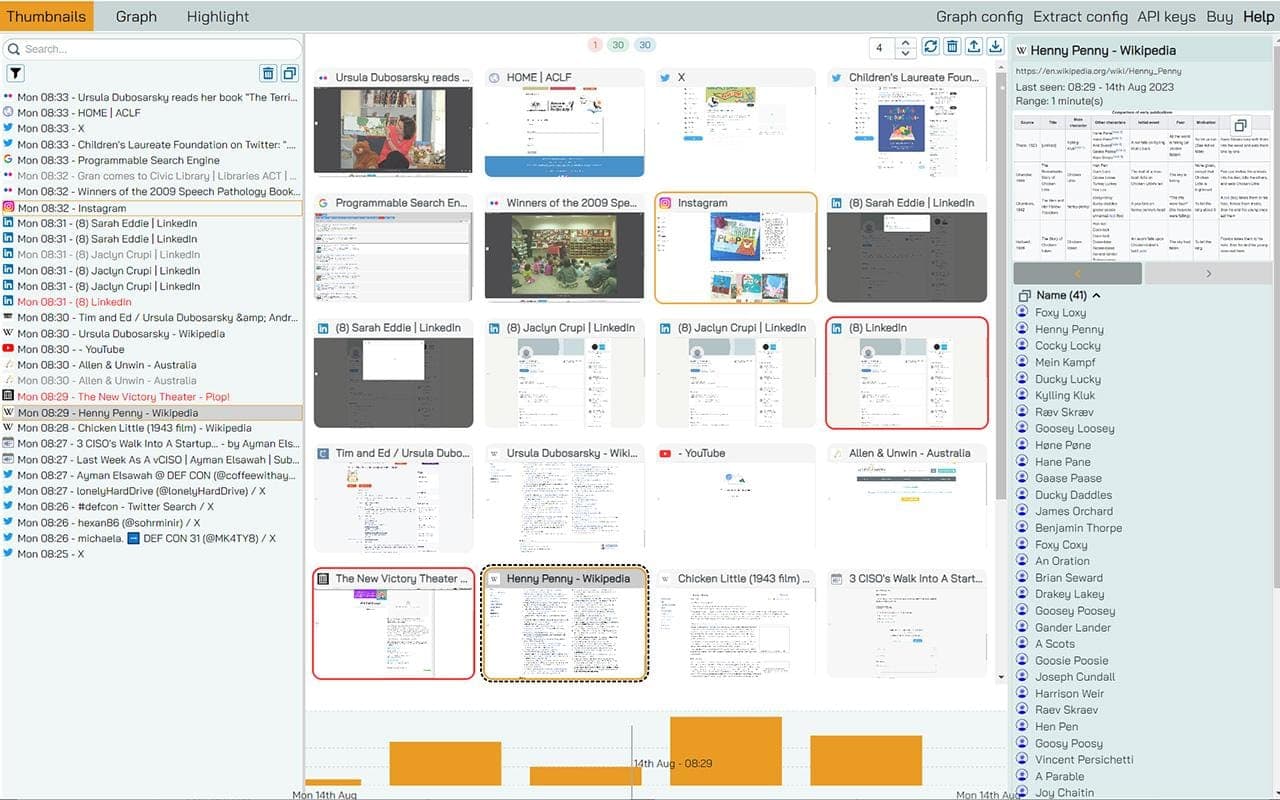
Image and Video Analysis
A no less important function for OSINT analysts is Al verification as well as metadata and lookup of subsequent videos and images that we encounter on websites and in people's social networks. Among those we can recommend is the Search by Image extension, which with one click can look up 30 services at once, or separately. Among them are the well-known TinEye, PimEyes, Google, Yandex, as well as, for example, Australian Trade Mark Search.
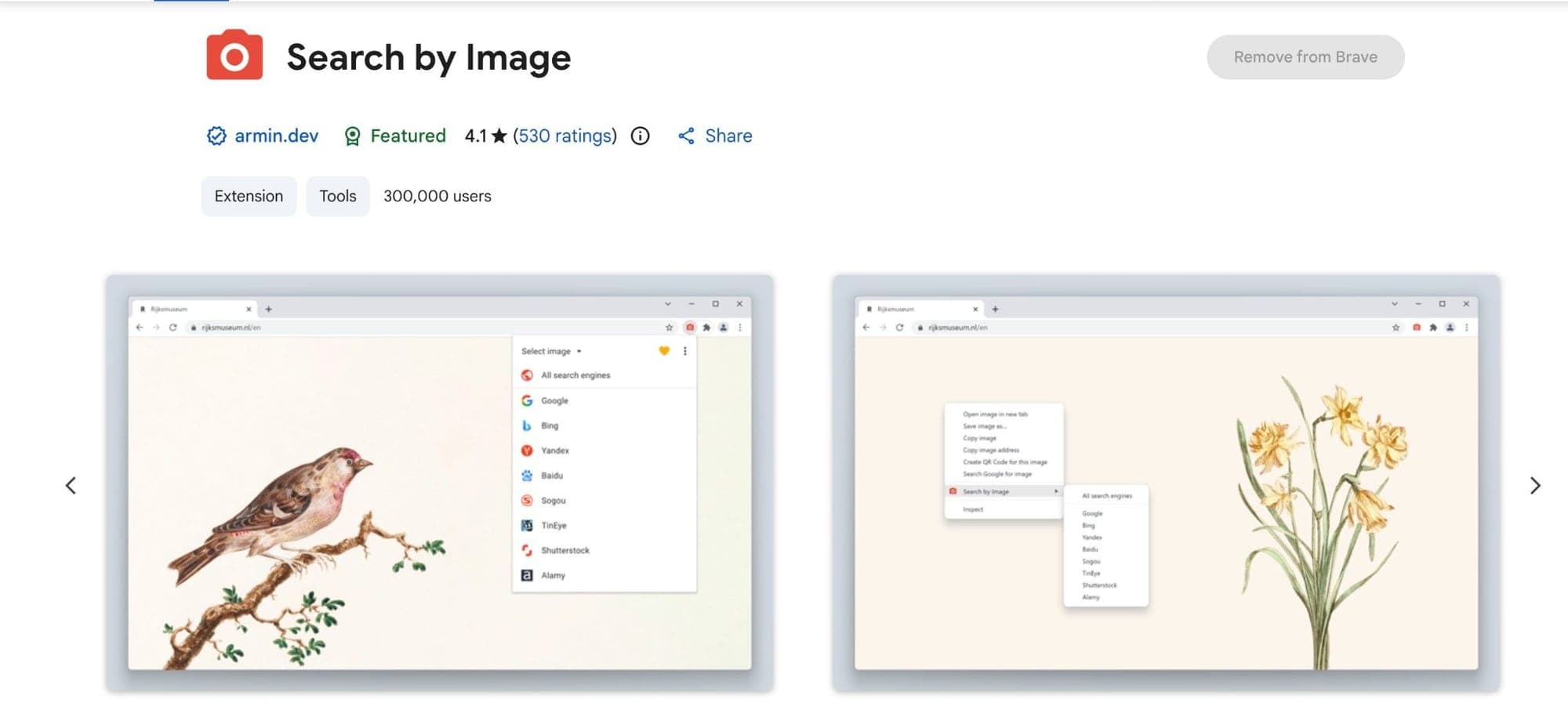
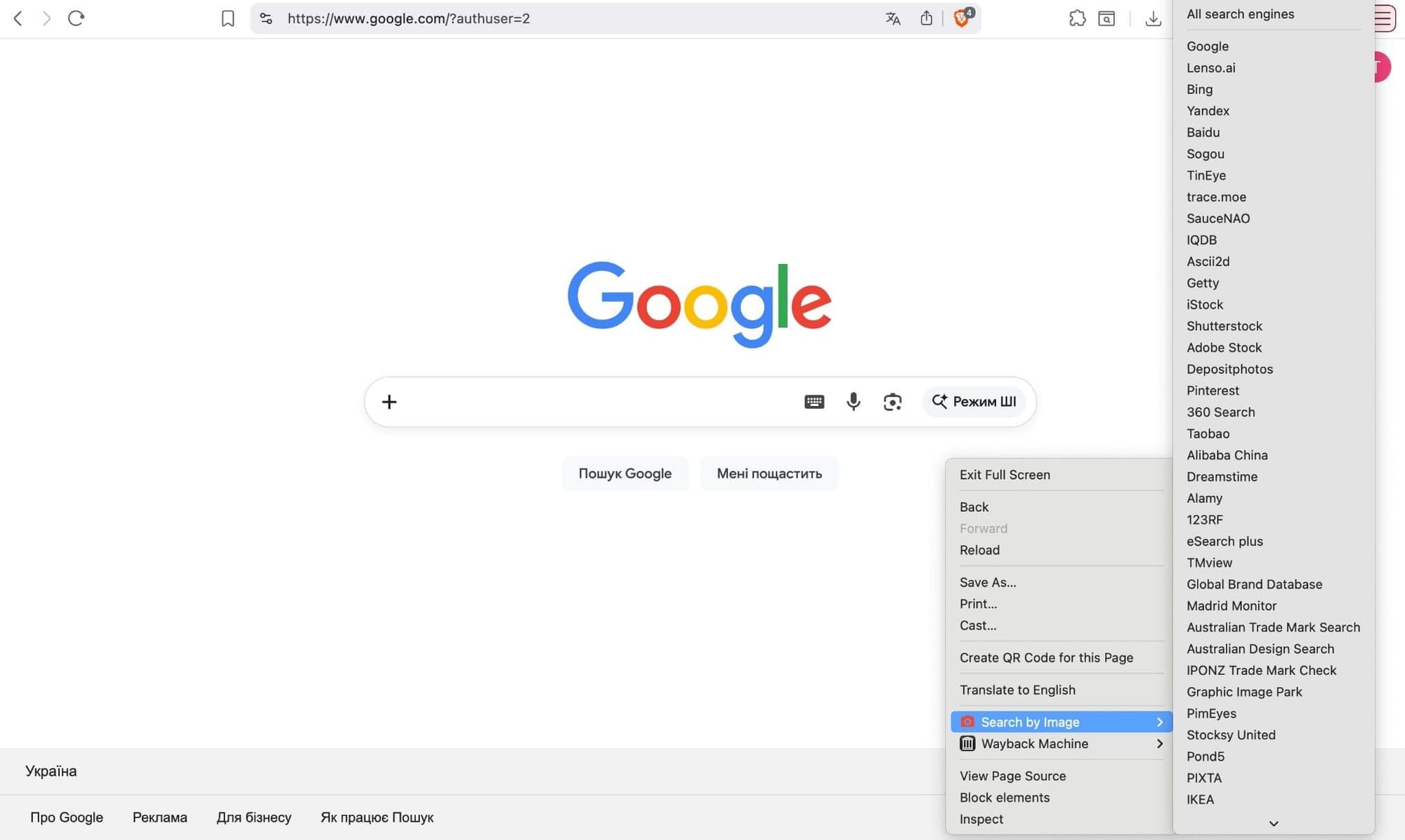
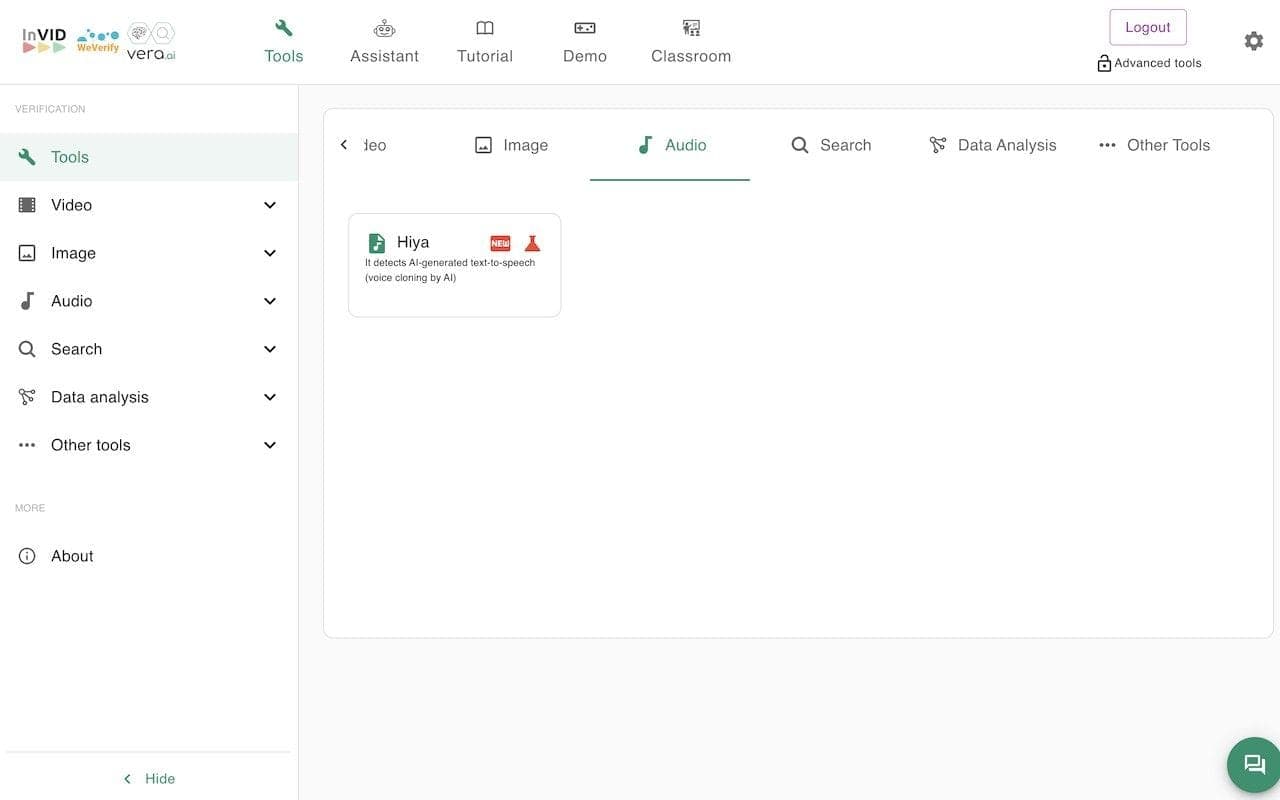
In addition to this utility, there's another extension directly from TinEye, but it's more convenient to have everything in one place, which is why we recommend using the first option. A similar utility, but with slightly different functionality, is Fake News Debunker by InVID & WeVerify—an indispensable thing in any analyst's arsenal. What it does: it divides the video you provide, or a link to a YouTube video, into small cards, after which it can look up each of these segments for the presence of similar images already on the web. Additionally, this extension allows you to view file metadata and apply forensic filters to detect possible editing or image manipulation. There are magnification and frame-by-frame viewing tools that help find hidden details. It also simplifies contextual searching on social networks to establish when and where the material first appeared.
Security
An important area that extensions can cover is security-specifically, concealing your fingerprint. So what is fingerprinting? To de-anonymize a user, even an advanced one with solid OPSEC skills who has a VPN installed with a proxy on top of it, it can sometimes be enough to obtain their fingerprint and compare it against the known pattern of their movement across websites.
For example, a drug dealer visits a site with a particular user agent, their peak activity consistently occurs at a specific time of day, their display resolution is 1024x768, and Russian is set as the interface language. Police identify a possible suspect whose personal computer carries an identical fingerprint.
For the most part, small companies and various applications sell this kind of information, and cookies as well.
To protect yourself, we recommend using the following extensions:
Canvas Fingerprint Defender - according to many tech blogs, completely blocking canvas fingerprints is not a good idea. Reporting a "fake" fingerprint instead is generally considered a better approach to protecting your privacy. This addon simply adds a small noise to the actual fingerprint and "renews" it every time you visit a website or reload a page.
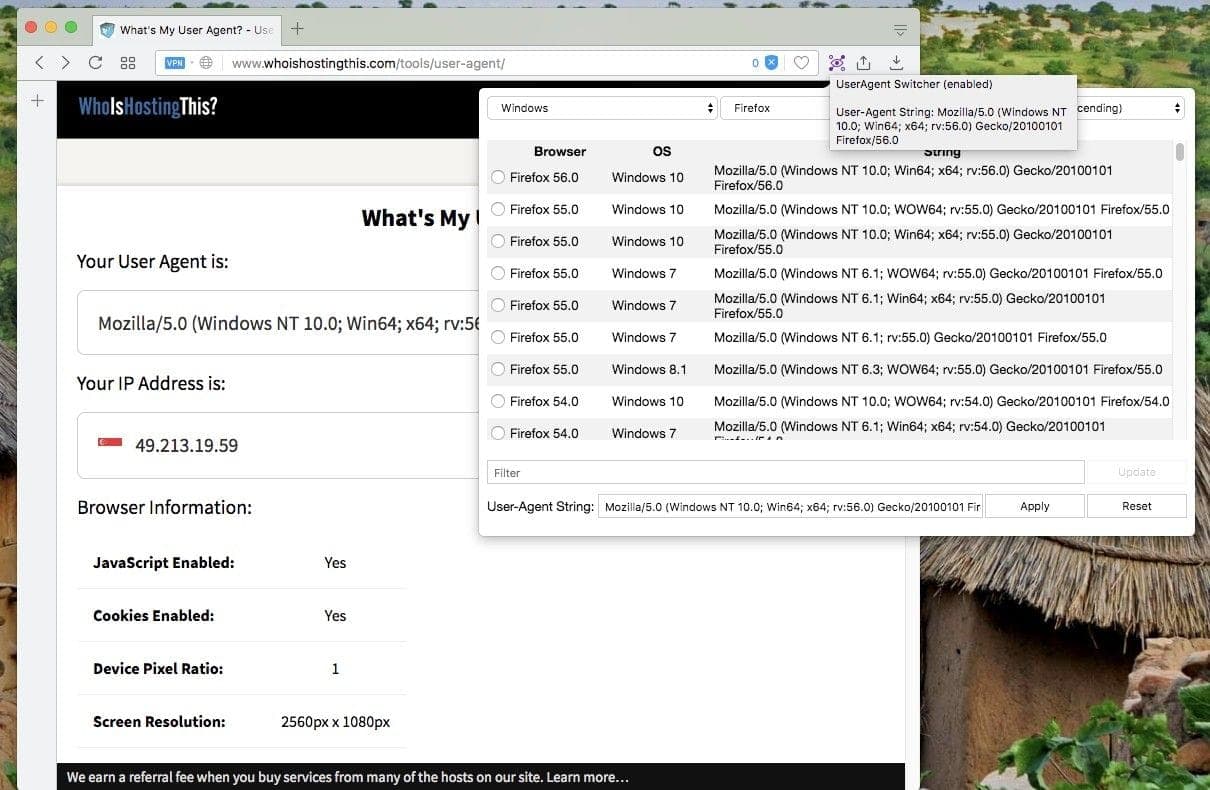
User-Agent Switcher and Manager - allows you to manually configure your fingerprint: which device you appear to be browsing from, which browser, and so on.
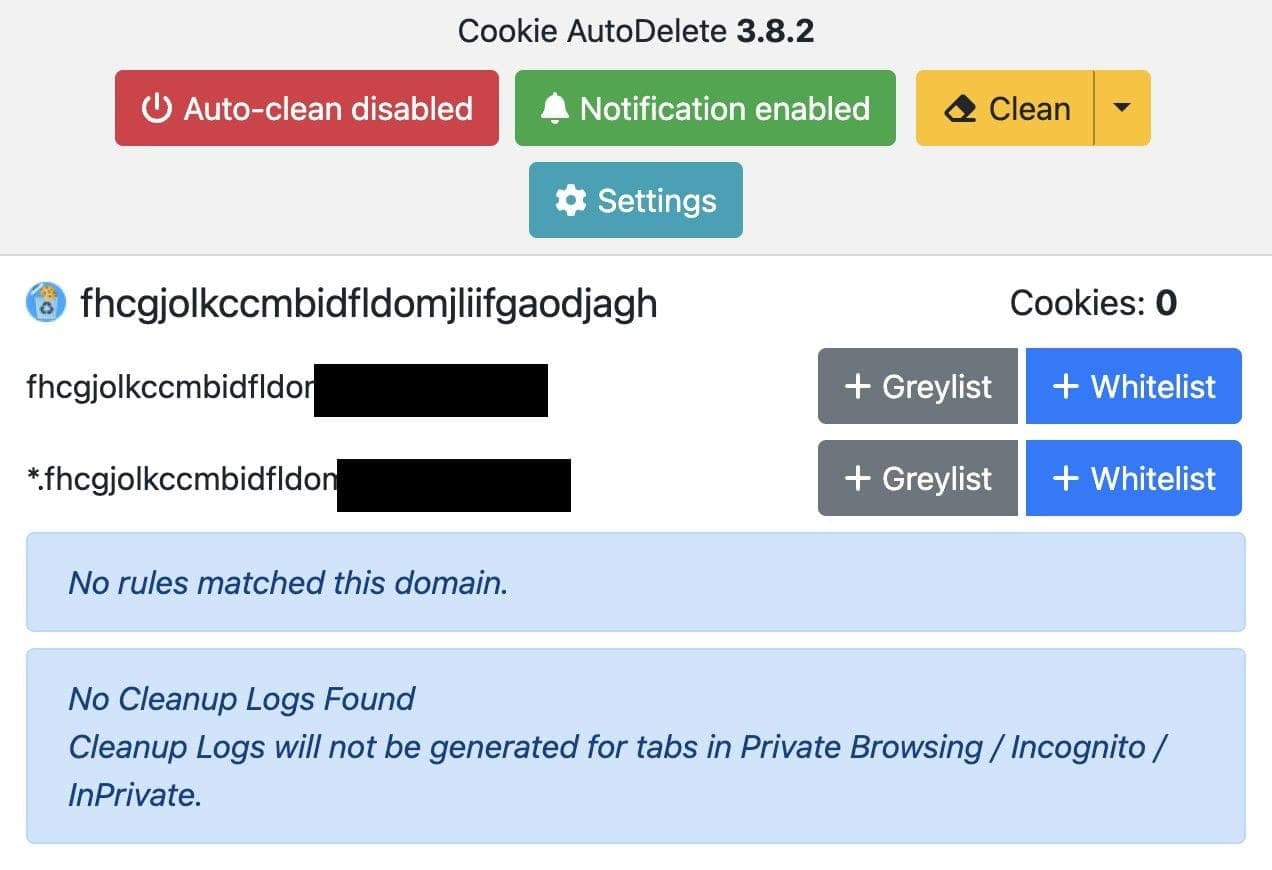
Cookie AutoDelete — when a tab closes, any cookies not currently in use are automatically deleted. This prevents tracking by unwanted cookies while allowing you to whitelist only those you trust. Importing and exporting your whitelist is straightforward.
One more piece of advice on security and extensions: avoid VPN extensions entirely. For one, many of them are free - which raises an obvious question about why someone would give away such a service at no cost. Beyond that, they function more as HTTPS proxies than proper VPN tunnels, since they only operate within the browser and may not cover DNS or WebRTC leaks. For genuine security purposes, they simply fall short. That said, layering such an extension on top of an already existing proxy and VPN setup can occasionally make sense— particularly when your desktop VPN client doesn't offer the specific country you need.
Even then, we'd approach them with scrutiny. They provide for free what others charge for, and the traffic passing through their servers may not be as encrypted as you'd hope.
Metadata and Forensics
We've already mentioned forensics and metadata, and for this there are also several separate extensions. Here, unfortunately, unlike others, you'll still have to explore the convenience of each of them, as the functionality mostly overlaps. Among them will be: EXIF Viewer Pro, PhotOSINT.
EXIF Viewer Pro displays the technical metadata of a specific photo: camera model, date, time, GPS, shooting settings.
PhotOSINT also shows EXIF, but additionally scans the entire page for the presence of photos and provides quick access to searching for similar images on the internet.
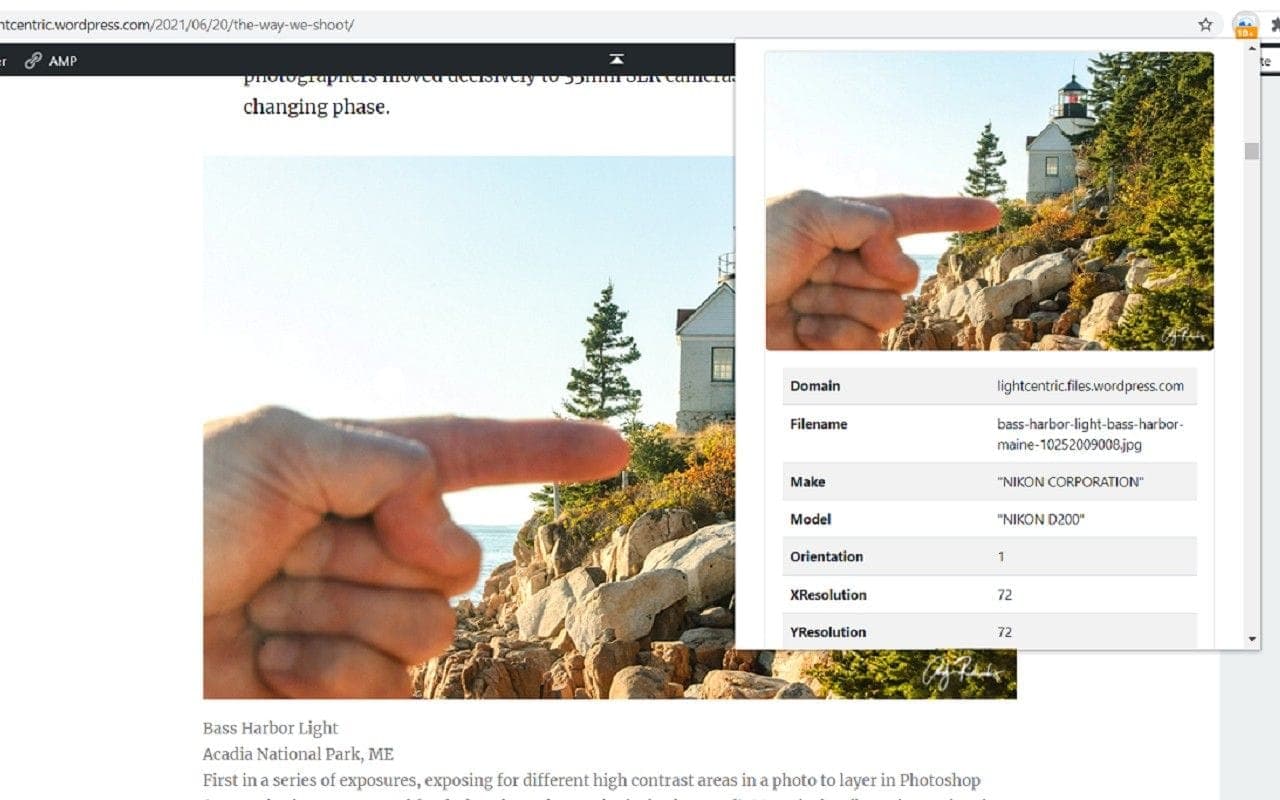
The difference: EXIF Viewer Pro - simply viewing metadata, PhotOSINT - viewing plus analysis of photos on the page and searching for their copies online.
Information Scrapers
Another type of useful extension in our opinion is automated scrapers of information from web pages: for example, we need to collect all links from a site, or emails associated with a domain.
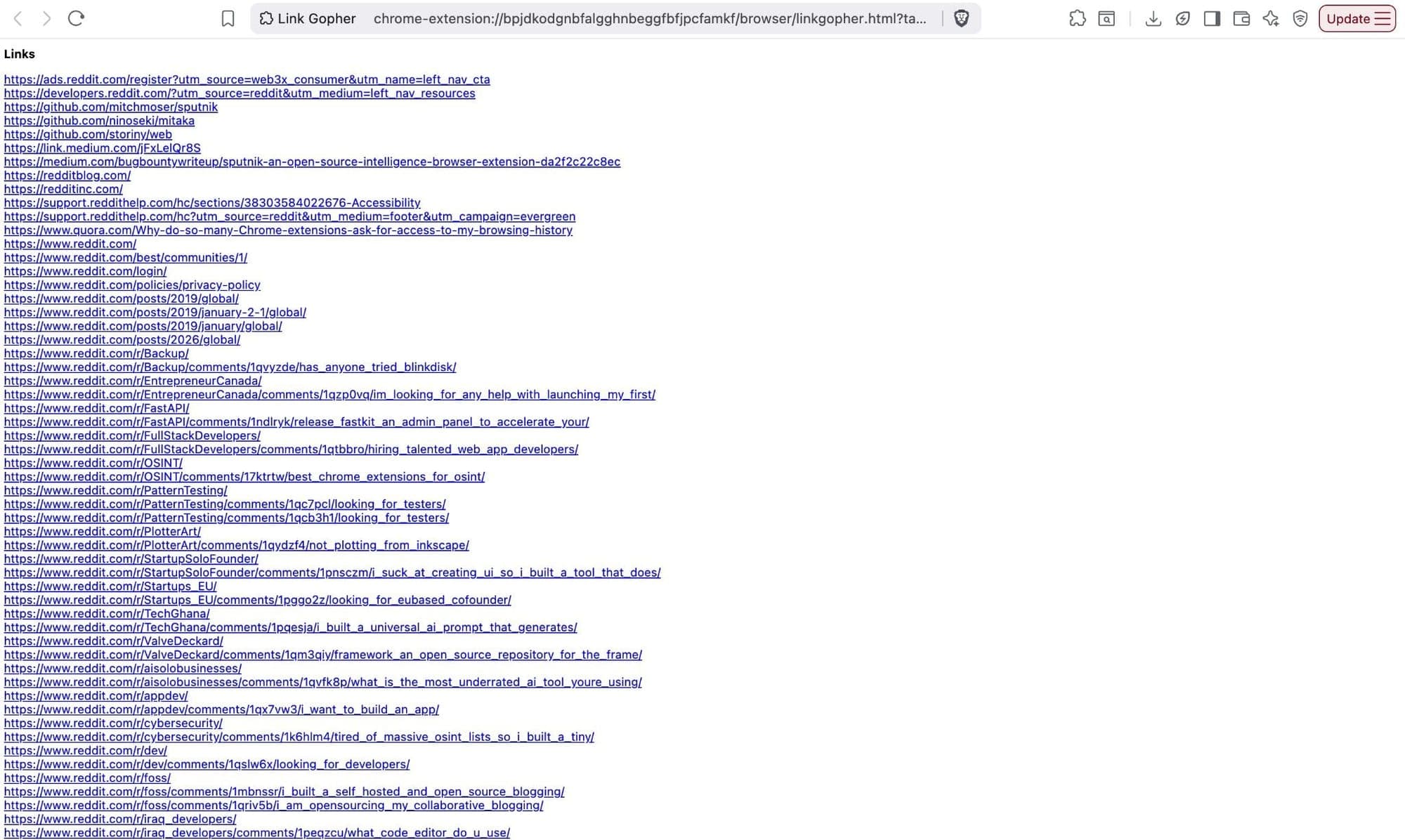
For the first, LinkGopher will help us quality-wise, which extracts all links on a page.
For emails, a quality one is Hunter, which helps quickly find professional email addresses associated with the domain of the site you're on. It doesn't collect addresses from the page you're opening at that moment— instead, it queries Hunter's large database, which the service itself indexes across the entire web, and returns all found emails associated with this domain or a specific person.
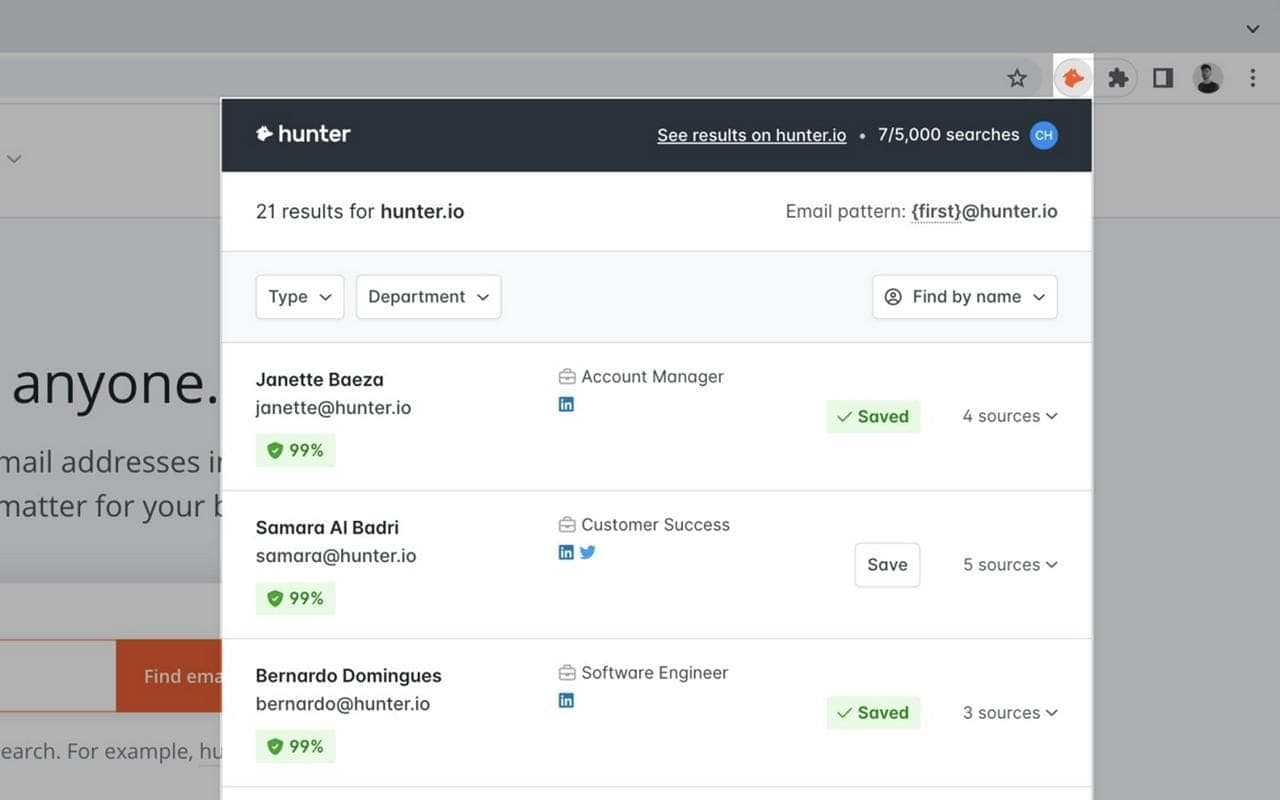
The extension can be added to the browser for free and used with a free account, which provides a certain number of free requests (credits) per month for searching email addresses.
Thunderbit
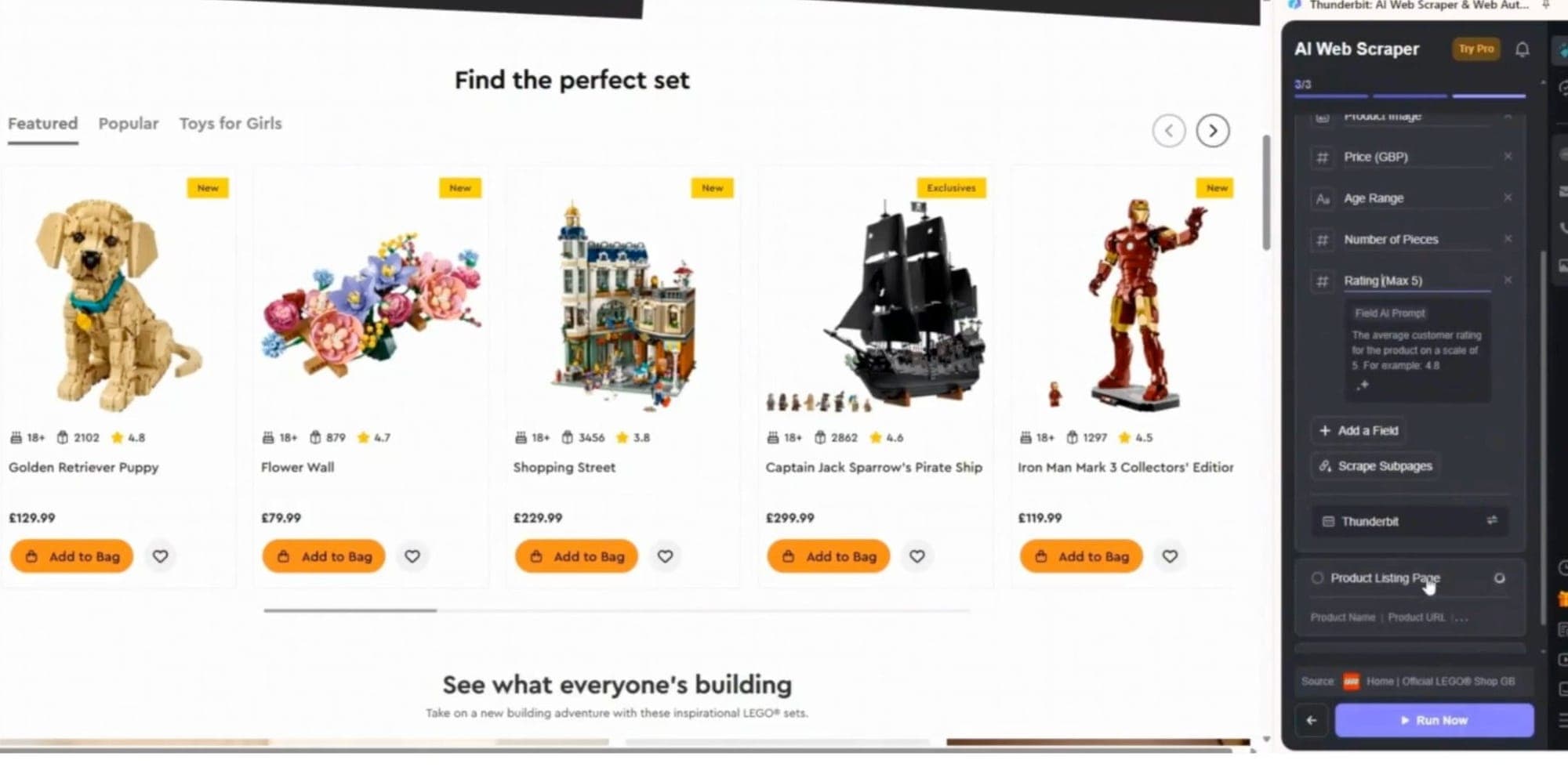
This one stands out from the tools mentioned earlier in that it scrapes only the specific information you want from a page - nothing more, nothing less. That could be social media links, emails, or any other data points you define in the parameters. You set the data fields, and the Al built into the extension determines what belongs where. An additional advantage is the ability to scrape data from social platforms like Twitter and TikTok, where algorithmic barriers typically complicate such collection.
Useful update: Following a recent newsletter by Jake Creps, we learned about another extension he developed — one called Dedupe. It's a common experience during research to feel like you've already visited a particular page, only to land on it again and again, going in circles. Dedupe addresses exactly this: it removes from search results the pages you've already visited, so you stop wasting time revisiting the same ground. Some might worry this could cause you to accidentally miss a page — but the extension can be disabled with a single click. Moreover, if you use it alongside the previously mentioned Vortimo, you get the best of both worlds: every visited page is saved and accessible for later review, while search results stay clean of pages you've already processed. Two birds, one stone.
Beyond Extensions
Everything covered in this list is genuinely useful. But it's worth being clear about what browser extensions are — and what they aren't.
They're scout tools. Lightweight, fast, built for analysts who need to move across open sources without standing up infrastructure. In the right hands, a well-curated extension stack is a real force multiplier — especially in the early recon phase. The problem is the ceiling, and you hit it faster than you'd expect.
RAM pressure — which we mentioned at the start — is just the most visible symptom. The deeper issue is that every extension operates in isolation. Internet Archive doesn't talk to Hunchly. Thunderbit doesn't feed into your kill chain. EXIF data you pull manually lives in a tab, not in a structured investigation. You're stitching context together in your head, across a hundred open windows, while the target environment keeps changing. That's a workflow built for a solo analyst with time on their side — not for a red team running adversarial exposure validation against a hardened enterprise target on a deadline.
At some point, the question stops being "which extension should I add?" and starts being "how do I stop doing this manually at all?" That's where the tooling has to fundamentally change. Not to remove the operator from the loop — the human-in-the-loop is exactly what separates rigorous offensive security from noisy automation — but to give that operator attacker-grade reconnaissance capabilities that scale with the complexity of the engagement.
Cracken was built for that transition. Where extensions surface signals, Cracken's reconnaissance agents pursue them — autonomously mapping attack surface, extracting entities, validating exposures, and feeding findings directly into the kill chain. The analyst stays in command; the grunt work gets handled at machine speed. Think of it as the difference between carrying a Swiss Army knife and running a full operation. Both have their place. But you don't storm a hardened target with a pocket tool.
The extensions in this article are where solid OSINT tradecraft starts. For operators who need to go further — cracken.ai.
Conclusion
In general, the story with extensions is like a multitool that people love to take with them on hikes-sometimes it can be a version with just a knife and screwdriver, and sometimes 20-in-1, with all possible things that God forbid you'd need even once in your life. Setting up extensions for yourself is an interesting and not overly complicated matter, but as with utilities, there are many types with similar functions. All you need to do is choose your own set based on needs and capabilities. For this purpose, we'll leave several links to interesting articles and lists where you can find some interesting things.
Additional Resources:
https://osintme.com/index.php/2021/06/30/30-best-osint-extensions-for-google-chrome/
https://github.com/osintambition/Awesome-Browser-Extensions-for-OSINT?tab=readme-ov-file
https://github.com/ubikron/awesome-osint-chrome-extensions
https://osintteam.bloq/best-chrome-extensions-for-osint-505b067b51e4
https://github.com/The-Osint-Toolbox/OSINT-Browser-Extensions