


Cracken + GitLab
Cracken queries a GitLab Ultimate project's vulnerability findings mid-operation, once its security scans have run. It reads which scanner raised each one before it picks a target.
Connecting GitLab
- Connect with
A GitLab personal, project or group access token with the read_api scope, the instance Base URL (https://gitlab.com or your self-managed URL), and the Verify SSL setting. The token inherits its owner's project membership, so it needs at least the role that can view the target projects and their vulnerability reports.
- Cadence
Queried live during an operation — a direct connector, not a scheduled sync.
- Requires
GitLab Ultimate and a completed security scan in each project whose vulnerabilities Cracken should read; membership in every project or group to be read. For a self-managed instance with a private CA, install the CA in the Cracken deployment's trust store rather than disabling Verify SSL.
What Cracken gets from GitLab
Projects with path_with_namespace, visibility, description, default_branch, open_issues_count, updated_at and web_url
Issues with iid, title, state, labels[], author username and created_at
Merge requests with iid, title, state, source_branch, target_branch, author username, created_at and merged_at
Vulnerability findings with uuid, name, severity, state, report_type, the scanner name that produced them, identifiers[] and a location object
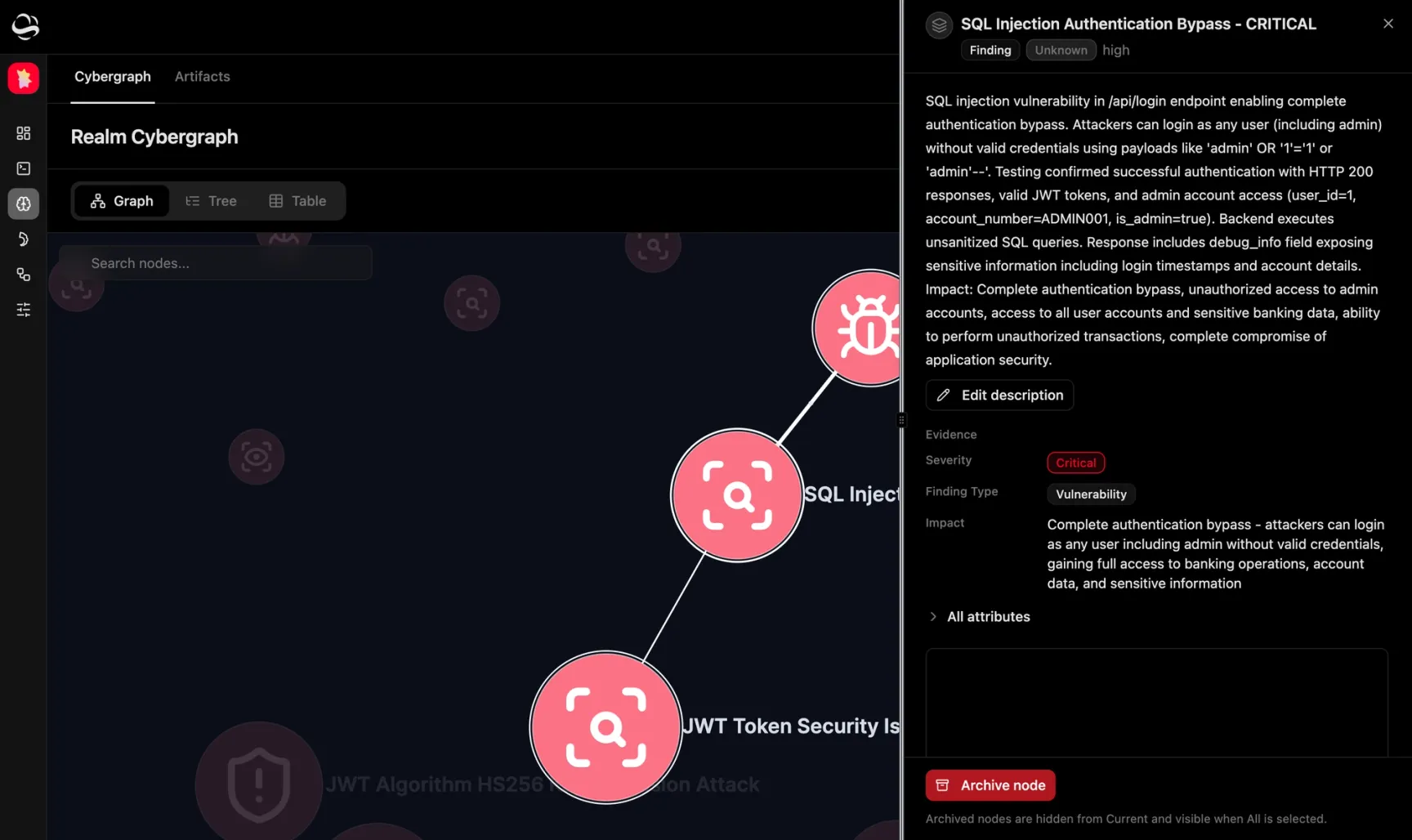
In the Cybergraph: a URL node per project, a Finding node per issue / merge request / vulnerability, and a cve: Vulnerability node for every identifier starting with CVE-
What GitLab does not do
Vulnerability findings require GitLab Ultimate and a security scan that has already run; on any other project nothing comes back and Cracken tells you why. The connection is read-only, so Cracken never opens an issue, comments on a merge request, or changes a vulnerability's state in GitLab.
How Cracken uses GitLab
- 01
Connect GitLab with a read_api token
- 02
Let Cracken query projects mid-operation
- 03
Attack what the findings point at
- 04
Confirm it connected
Frequently asked questions
Does Cracken work with a self-managed GitLab instance?
Yes; point the connector at your own host's base URL instead of gitlab.com. Keep Verify SSL on; install any private CA in the trust store.
Does Cracken write to my GitLab projects?
No; the connector is read-only on the read_api scope — it creates no issues or merge requests, runs no pipelines, and changes no configuration.
“…we've been continuously validating … the efficacy of Cracken with our own pen tests, like external pen test findings. Just being sure that we could recreate those with Cracken. It's been going good so far…”
More integrations

GitHub Advanced Security
Cracken queries your GitHub repositories and their scanning and Dependabot alerts live.

Aikido
Cracken proves which Aikido issues an attacker can reach from outside.

Snyk
Cracken attacks the running app to prove which Snyk findings are reachable.
Attack with real GitLab context.
See how Cracken works what GitLab already knows into attack paths it proves end to end.