



Cracken + Nmap
Cracken runs Nmap to fingerprint the service and version behind every open port. It works each live service from the same shell it scanned from.
Connecting Nmap
- Connect with
No credentials — runs on your own Tentacle
- Cadence
Runs on demand — installed per Tentacle, then invoked during an operation
- Requires
Linux or macOS Tentacle
What Cracken gets from Nmap
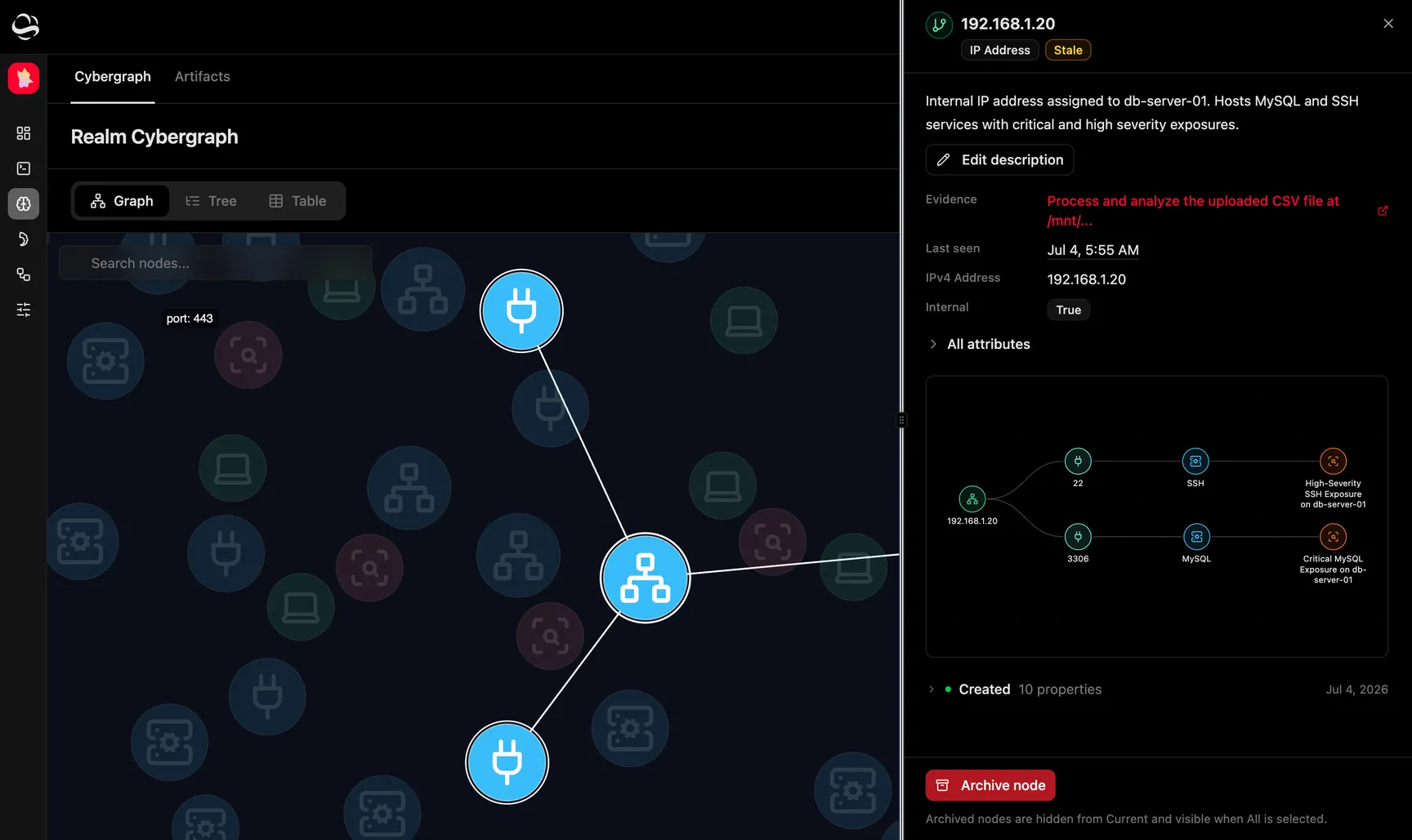
Discovered hosts with up/down status
Open/closed/filtered ports with port number, protocol (tcp/udp) and state
Services with service name
Version-detection banners (product and version) under ‑sV
NSE script output attached to a host or port
What Nmap does not do
Enumerates hosts, ports, services and versions only; it does not exploit or validate the weaknesses it turns up, which Cracken does as a separate step.
How Cracken uses Nmap
- 01
Install Nmap on a Tentacle
- 02
Give Cracken a network scope
- 03
Chase the services that answered
- 04
Confirm the Tentacle is ready
Frequently asked questions
Do I need to install Nmap myself to use it with Cracken?
No. Nmap installs onto a Tentacle, the Kali container on infrastructure you control, from the Integration Center, and Cracken's agent can install it mid-operation.
Where does Cracken run Nmap scans from?
From a Tentacle, a Kali container on infrastructure you control, so scan traffic originates inside your own network. It installs on Linux and macOS Tentacles.
“I've been pretty impressed with how CrackenAGI is able to do its vulnerability discovery, enumeration, reconnaissance, as well as eventually being able to actually execute different exploitation paths.”


Attack with real Nmap context.
See how Cracken runs Nmap on a Tentacle you host, and proves what it finds end to end.