Changelog

2 releases, 5 features

2.15.0

The same security model picker in dark theme showing Red-ish Max as the most thorough option and Red-ish Smart as the faster option.
Compare the thorough and faster self-serve security models in the picker.
operationsimproved

Choose security models by depth, speed, and access

The model picker now explains three security-focused choices: Red-ish Max is the most thorough, Red-ish Smart is faster, and Red Smart is designed for offensive work without refusals. When these model routes are configured, the two Red-ish choices are available without an add-on. Red Smart still requires the Red model add-on.
2.13.0

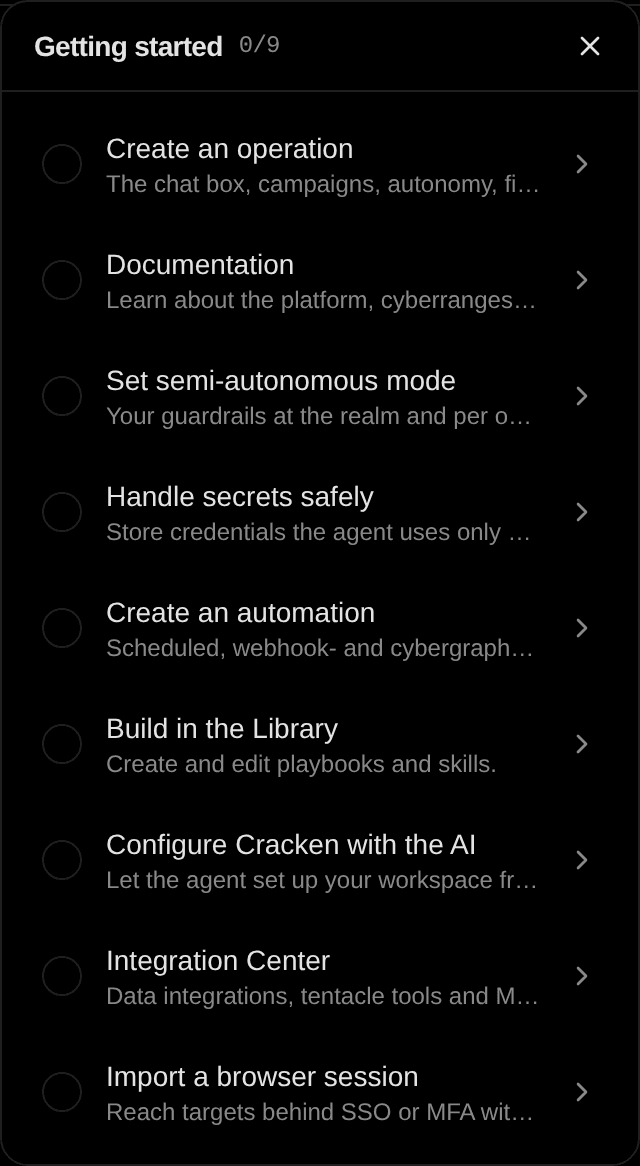
The same Getting started checklist with progress and security setup tasks in the dark theme.
Choose a checklist item to open a focused walkthrough, and return later without losing completed steps.
workspacenew

Onboarding tailored to your goals

When you first sign in, choose the security work you want to do. The workspace builds a setup checklist from your choices, and each item opens a focused walkthrough on the relevant screens. Your progress follows your account across devices. Walkthrough steps that require unavailable paid capabilities are omitted.

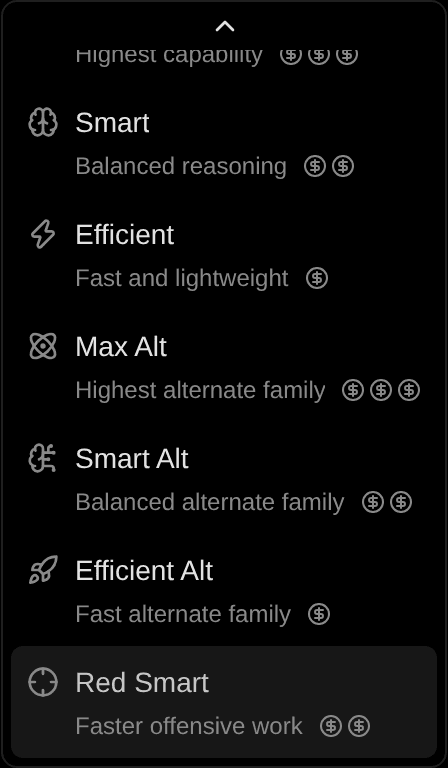
The same operation model list showing Red Smart for offensive security work in the dark theme.
Eligible teams can choose Red Smart from the operation model list.
operationsnew

Self-hosted model option for offensive security

Eligible teams can choose a self-hosted model intended for offensive security when starting or configuring an operation. It appears as Red Smart in the model list. Teams without access may see it locked; using it requires the Red model plan feature and an available model connection.

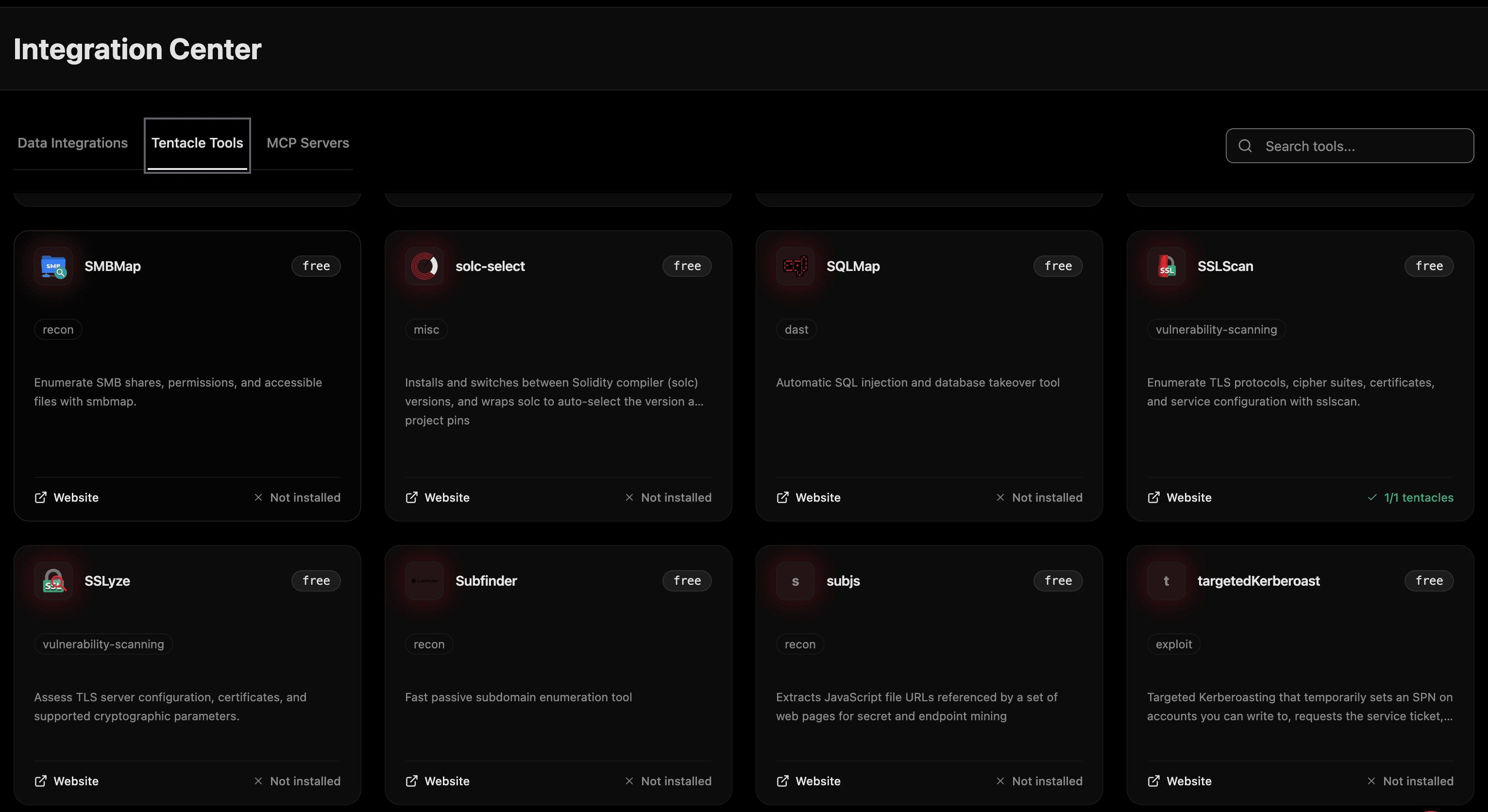
55 more installable security tools
tentaclesnew

55 more installable security tools

The tool catalog now includes 55 additional Kali and Linux security or networking tools for supported Linux machines that run commands. The entries provide catalog details, supported operating systems, and installation and verification commands. Existing plan, target, package, and platform checks still apply.

The same disabled operation input keeps its draft, playbook, Instruction mode, attachment, and send controls visible in the dark theme.
Core inputs and controls stay readable when disabled in either supported theme.
workspaceimproved

Consistent light and dark themes

Core controls, status indicators, and the updated screens now use shared theme colors so text and controls stay readable in light and dark modes. The command input also stays visible, disabled, and with its controls shown while a security task is being canceled. This update covers the revised core screens, not every custom color set.